
Screen Time for School Children: Smart Family Guide
Healthy screen time for school children is not one universal minute limit; it is screen use that has a clear purpose and does not displace sleep, movement, learning, relationships or offline play. Families need firm device-free times, age-appropriate content, active supervision and a repeatable stopping routine. Review the plan when school demands, maturity or online risks change.
Capital International School is a CBSE-affiliated KG–Grade 10 school in Rampura, North Bangalore. Its academic programme combines classroom technology with practical and activity-based learning, a useful model for treating screens as tools rather than default environments.
What screen time for school children is healthy?
Set recreational screen limits only after protecting the child’s full day. A useful sequence is sleep first, then school and homework, at least one active period, meals and family connection, followed by a defined leisure window. Screen time limits by age should become more collaborative as children mature, while bedtime and safety boundaries remain adult responsibilities.
International guidance varies. Finland’s 2026 recommendations advise no more than one hour of leisure screen time for ages 6–10 and two hours for ages 11–13, while discouraging a personal smartphone before 13. These are not Indian rules; they are a concrete reference point for families building a plan.
The UK’s June 2026 guidance process deliberately moved away from blanket answers and considered sleep, learning, school use and content together. The principle is helpful: count what the screen is doing in the child’s life, not only the clock.
Quick takeaway: Protect essential activities first, then set a clear leisure window that fits the child’s age and functioning.
What counts as screen time?
Screen time includes television, streaming, gaming, social media, messaging, video calls, browsing and schoolwork on phones, tablets or computers. The categories should not be treated as equal. A focused video call with grandparents, a teacher-assigned simulation and endless short-form video have different purposes, risks and stopping difficulty.
What is active screen use?
Active screen use requires the child to create, solve, communicate or move toward a defined goal. Coding a small project, editing a presentation, practising a language with feedback or researching a science question can be active. It still needs ergonomic breaks and source checking; “educational” branding alone does not prove quality.
What is passive screen use?
Passive use is continuous consumption with little reflection or stopping structure, especially autoplay and rapid feeds. It is not automatically harmful in every dose, but it is easier to extend and more likely to displace other activities. Track it separately from homework so necessary school use does not hide a large leisure total.
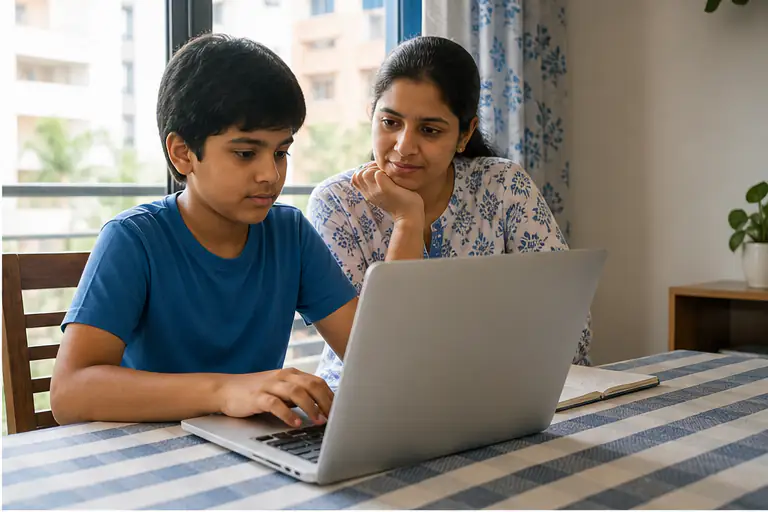
The school’s STEM education examples show why digital tools work best when they connect to discussion, construction, testing and reflection rather than replacing hands-on learning.
Quick takeaway: Separate purposeful creation and communication from passive consumption before deciding what to limit.
How do families make a plan?
A family media plan should specify when, where, what and how screens are used. Write a short plan that every caregiver can apply, and test it for two weeks before adding more rules. Healthy screen habits are easier when the environment supports them—chargers outside bedrooms, notifications off and devices stored during meals.
- Map the week. Mark schoolwork, travel, sleep, meals, movement and regular family commitments.
- Choose device-free zones. Keep meals, homework without a device requirement and bedrooms protected.
- Define leisure windows. State the start, end and eligible content instead of negotiating minute by minute.
- Set a stopping cue. Give a ten-minute warning, finish the current level or episode, then park the device.
- Use parental controls. Filter by age, restrict purchases, review permissions and disable autoplay where possible.
- Plan alternatives. Keep books, art, construction toys and outdoor options ready before removing a screen.
- Review together. Discuss what helped, what was hard and whether sleep, mood or schoolwork changed.
Adults should follow the visible household rules too. A parent who puts the phone away at dinner makes the boundary credible. Do not rely only on a timer controlled from another room; younger children need a calm transition and an available next activity.

Families can use the school’s sports, library and activity facilities as prompts for offline choices that match a child’s interests.
Quick takeaway: Specify the environment and stopping routine; a timer without a transition plan creates repeated conflict.
How does screen use affect sleep?
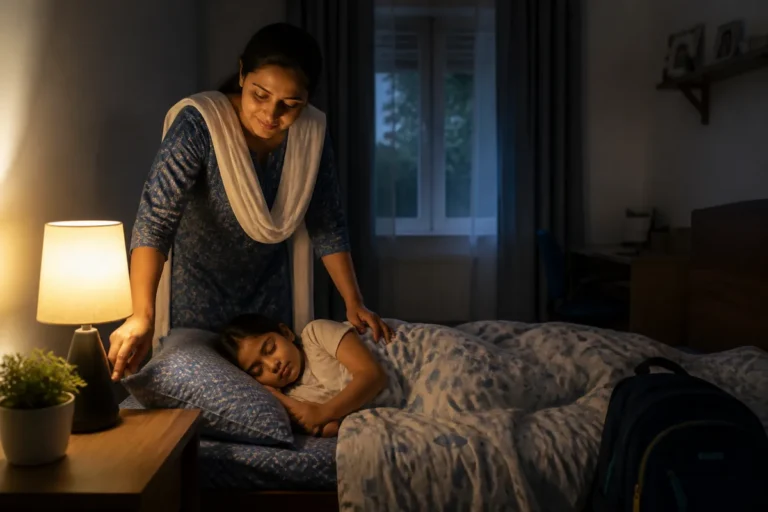
Late screen use can delay bedtime through stimulation, ongoing social interaction and “one more” content, while bright light can reduce the body’s preparation for sleep. Protect a screen-free wind-down of at least 60 minutes before bed, keep devices outside the bedroom and maintain the same wake time on school days.
Watch the functional signals: difficulty waking, weekend sleep catch-up, falling asleep in class, irritability and reduced attention. If a child needs a device for evening homework, use a shared space, reduce brightness, finish the online component first and shift reading or planning to paper afterward.
Do not use a phone as the child’s alarm if it creates a reason to keep the device beside the bed. A basic alarm clock removes that cue. The same principle applies to charging: create one family charging station outside sleeping areas.
Quick takeaway: Protect the final hour before bed and remove devices from bedrooms to make healthy sleep easier by design.
What makes digital content worthwhile?
Worthwhile digital content has a clear purpose, matches the child’s developmental level, limits commercial pressure and produces something beyond more viewing. Check who made it, what data it collects, whether advertisements or chat are present, and whether the child can explain or apply what they did afterward.
- Prefer content with a defined endpoint over an infinite feed.
- Choose tools that require decisions, creation, practice or feedback.
- Co-view new platforms and discuss persuasive design, privacy and online conduct.
- Avoid apps that pressure purchases, expose public chat or request unnecessary permissions.
- Connect digital learning to conversation, notes, making, movement or a real-world task.
In the UK’s 2026 consultation, 96% of surveyed parents said their child benefits from being online, but fewer than three in ten felt social media, messaging and video-sharing benefits outweighed risks. The contrast supports a balanced approach: value technology, but evaluate platforms individually.
For early learners, connect short digital moments with the concrete exploration described in the school’s kindergarten learning guide rather than using a screen as the complete activity.
Quick takeaway: Judge purpose, design, privacy and transfer—not the word “educational” on the app page.
Which warning signs need attention?
Seek closer review when screen use repeatedly disrupts sleep, school attendance, hygiene, meals, movement, relationships or emotional regulation. Other warning signs include secrecy, contact with unknown people, exposure to harmful content, unauthorised purchases, intense distress at stopping or a steady need for longer use to feel satisfied.
Begin with a calm safety check, not a sudden interrogation. Preserve evidence of harmful contact, block and report the account, and use the platform’s safety tools. For immediate danger or exploitation, contact the appropriate authorities. For persistent mood, sleep or behavioural concerns, speak with a paediatric or mental-health professional.
Coordinate with the school when difficulties affect learning or peer relationships. Share the pattern, not private content unrelated to safety. Families can contact the school to understand device expectations and digital-safety support at the relevant grade.
Quick takeaway: Escalate when screen use harms functioning or safety; limits alone cannot solve exploitation, severe distress or persistent impairment.
Frequently asked questions
These answers address common family questions about limits, schoolwork, phones, co-viewing and stopping conflict.